Prepare a meaningful baseline
Using a Bambu Lab printer? Start with the Bambu-specific plate, profile, and leveling checklist before applying generic clearance advice. Controls and calibration procedures differ by printer family.
Use the correct plate type, the installed nozzle profile, and filament that has printed reliably before. Remove debris under a removable sheet and clean its top using the approved method. Confirm that the selected profile actually matches the physical sheet. An offset saved for another surface can invalidate the test before printing starts. Complete any homing, leveling, or probing routine required by the printer.
Place patches across the bed
Slice a small one-layer patch near the center and additional patches toward the usable corners, keeping clear of clips and excluded zones. Use identical shapes and first-layer settings. Print all patches in one job so the comparisons share the same preparation. Watch the first minutes and stop if the nozzle scrapes, the plate moves, or extrusion fails. Do not leave a diagnostic job unattended while a collision is suspected.
Read the pattern after cooling
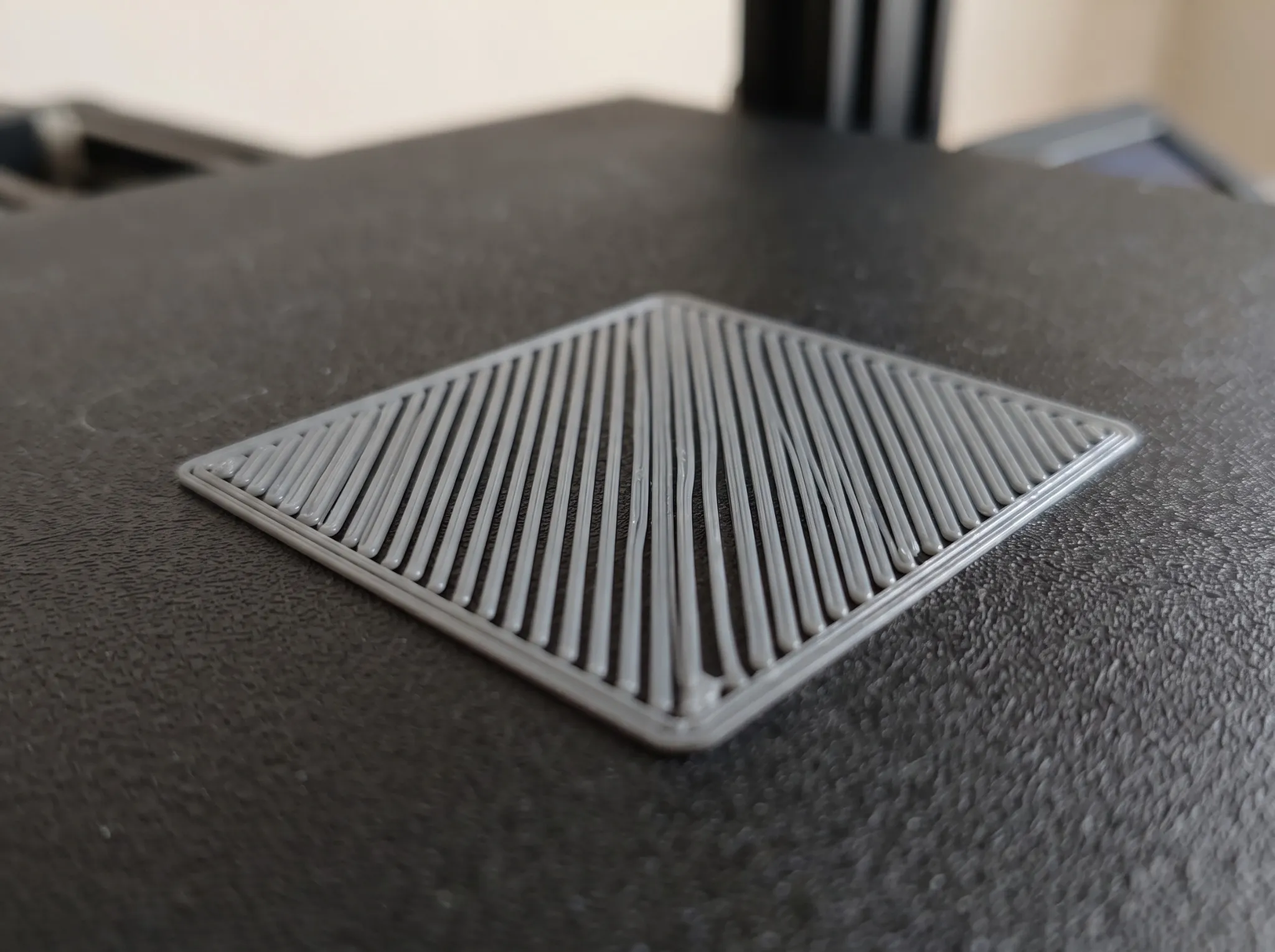
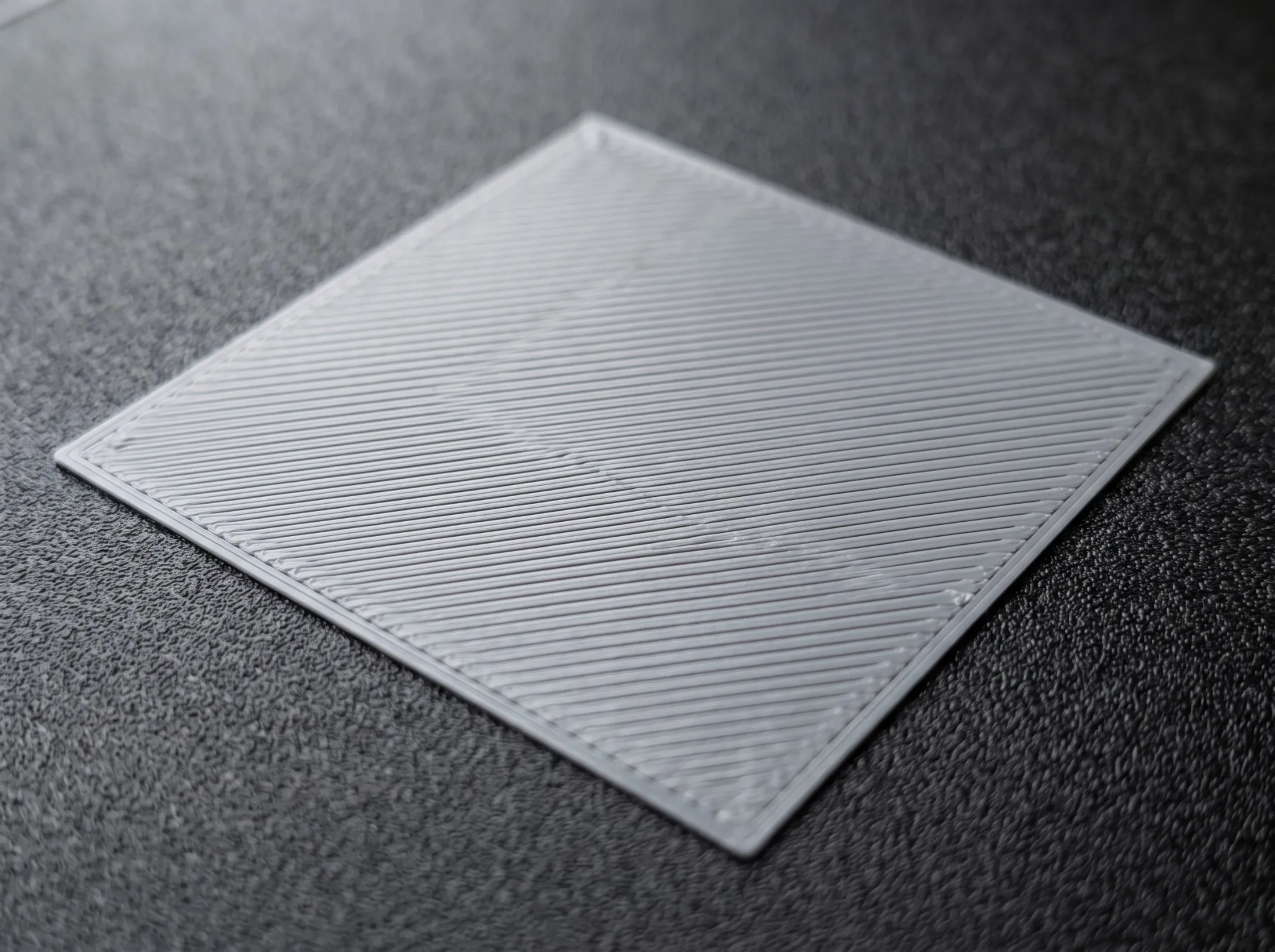
Separated rounded lines can indicate excessive clearance, but poor flow can produce similar gaps. Raised ridges or scraping can indicate insufficient clearance. A continuous sheet is encouraging, but excessive compression may still produce a weak or rough underside. Compare positions: a uniformly poor result suggests a global issue, while good center and poor corners point toward plate seating, mesh, tilt, or local contamination.
Visual comparison: gaps, connected lines, and raised ridges
These AI-generated illustrations show simplified surface patterns for comparison. They are not photographs of PrintFix3D test prints, measurements, or proof of a particular nozzle offset. Judge your print using the pattern, extrusion behavior, and differences between bed positions together.
Excessive clearance: separated lines
A useful baseline: connected, even lines
Insufficient clearance: raised ridges and grooves
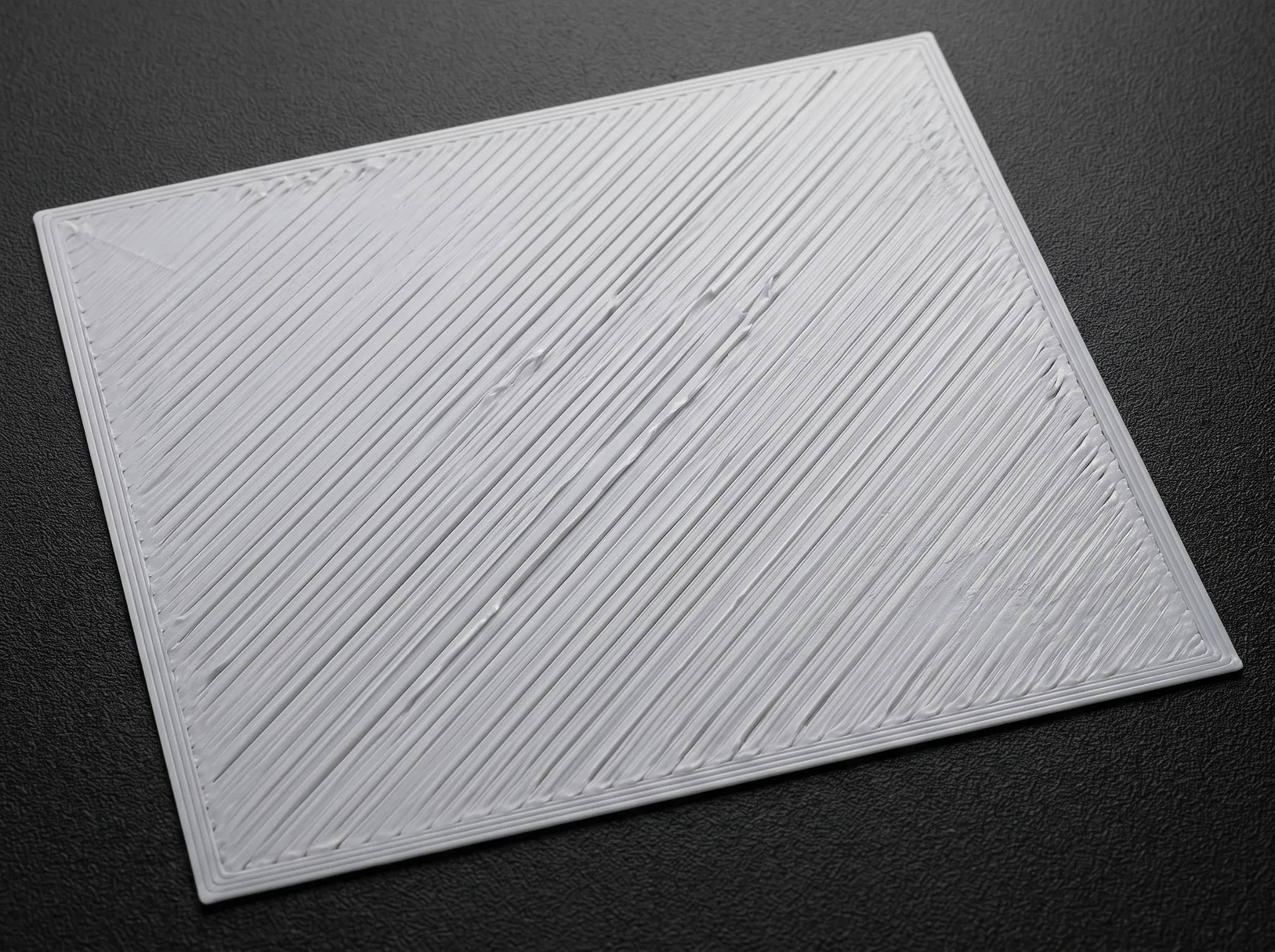
Use the comparison to describe what you see, then follow the checks below before changing clearance. Do not copy an offset from an image or assume that every rough surface has the same cause.
Choose the next action from the evidence
If every patch has gaps and free-air extrusion is also weak, investigate feed before lowering the nozzle. If only one patch peels and the line shape elsewhere is good, repeat cleaning and inspect that region. If patches show a consistent positional gradient, inspect leveling and mesh application using the model’s documentation. Automatic probing does not guarantee that an old mesh is loaded or that the sheet was seated correctly.
Repeat without expanding the problem
Change only the supported clearance or leveling control implicated by the first test, then run the same pattern. Keep photos with position labels and the profile name. Pass means consistent connected lines across the tested area without ridges, scraping, or release during printing. A successful patch establishes a baseline; it does not prove that a tall part will resist warping or that every material uses the same settings.
What to record
| Check | Evidence to keep |
|---|---|
| Patch location | Label center and corner samples relative to the front of the bed. |
| Line shape | Distinguish gaps, ridges, and release from the surface. |
| Repeat | Use identical patches after one supported calibration change. |
Reference and limits
See the manufacturer’s documentation for its supported implementation. The test sequence above is a general diagnostic framework, not a claim of a physical test performed by PrintFix3D. Confirm limits and service procedures for your own hardware.